
23 March 2026
How to take the perfect LinkedIn profile picture
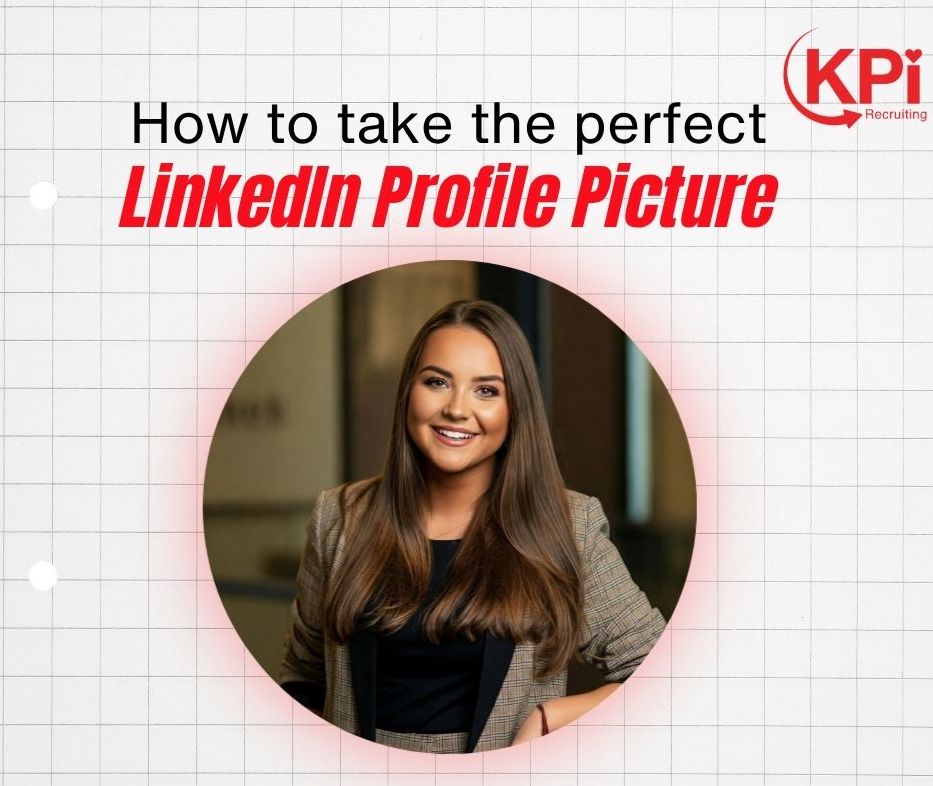
A great LinkedIn headshot isn’t about looking like a model—it’s about looking professional, approachable, and trustworthy.
1. Clear focus on your face
Your face should take up about 60–70% of the frame. Avoid full-body shots or photos where people have to zoom in to see you.
2. Good lighting (this is huge)
Natural light works best—stand facing a window. You want:
- Even lighting across your face
- No harsh shadows
- No bright light behind you (avoid backlighting)
3. Simple, non-distracting background
Keep it clean:
- Plain wall, office, or subtle outdoor blur
- No clutter, random objects, or busy scenes
4. Dress for your industry
Match the expectations of your field:
- Corporate → suit or business attire
- Creative → smart but with personality
- Tech/startups → smart casual
The key: look like you already have the job you want.
5. Natural expression
- Slight smile works best (not forced, not overly serious)
- Relaxed eyes and posture
- Think “friendly and confident,” not stiff or intense
6. Sharp, high-quality image
- Good resolution (not blurry or pixelated)
- No heavy filters
- Avoid obvious cropping from group photos
7. Eye contact with the camera
Looking directly at the camera builds trust and connection.
8. Consistency with your personal brand
Your headshot should match how you present yourself elsewhere (CV, portfolio, company page).
Quick checklist
If you want to sanity-check your photo, ask:
- Can I clearly see my face?
- Do I look approachable?
- Does this match my professional identity?
- Would I trust/hire this person at a glance?
